
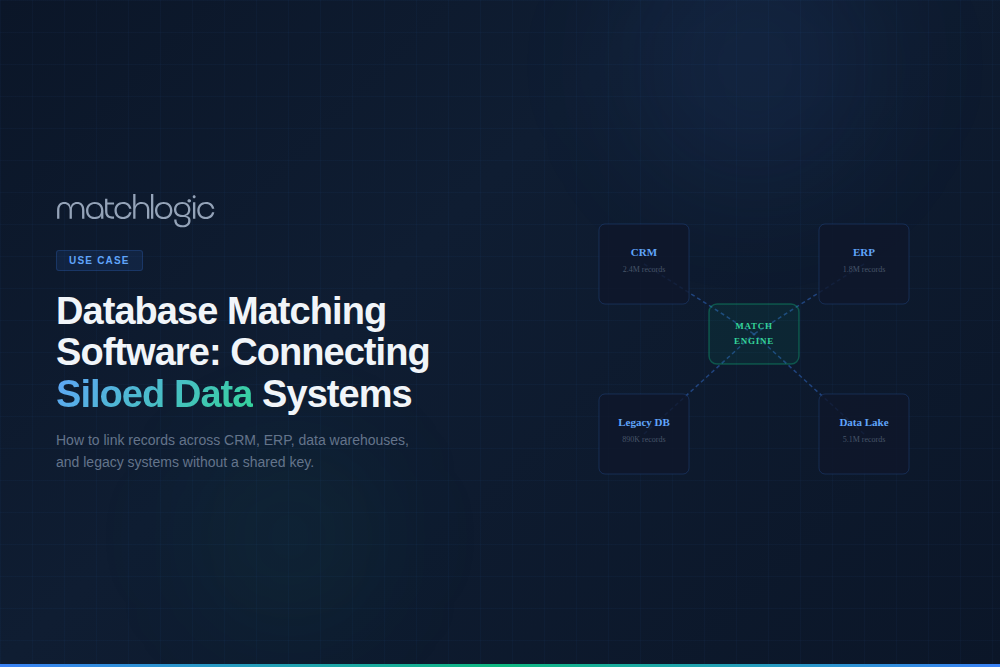
Database Matching Software: Connecting Siloed Data Systems
Database matching software compares and links records across two or more separate databases that store information about the same entities but lack shared unique identifiers. Unlike a simple SQL JOIN, which requires a common key, database matching uses fuzzy matching, probabilistic scoring, and field-by-field comparison to connect records that refer to the same person, organization, product, or location across systems that were never designed to communicate. It is the core technology for breaking data silos, building Customer 360 views, supporting post-merger consolidation, and enabling cross-departmental analytics.
The average enterprise runs around 900 applications, and 90 percent of IT leaders say data silos create business challenges, according to MuleSoft's Connectivity Benchmark Report. Each system stores its own version of the same entities with different identifiers, field names, formats, and completeness. Database matching is a specialized application of enterprise data matching, applied to records that share no key across systems.
This guide covers why cross-database matching differs from single-database deduplication, the three-stage technical process, the enterprise scenarios where it pays off, and the criteria for choosing a platform.

How Does Database Matching Differ from Single-Database Deduplication?
Single-database deduplication compares records within one dataset that share the same schema, field names, and formatting. Database matching adds three layers of complexity that deduplication does not face, shown in the table.
How Does Cross-Database Matching Work?
The process follows three stages: connect and map, standardize and align, then match and link. Because the records share no key, this is a form of record linkage, carried out across systems rather than within one.
Stage 1: Connect Sources and Map Schemas
Database matching software connects to each source (SQL databases, CRM APIs, flat-file exports, cloud applications, data warehouses) and ingests the relevant tables. The first task is schema mapping: identifying which fields in each source mean the same thing, so “Customer_Name,” “cust_nm,” and “ContactFullName” all map to “Person Name.” Mapping can be automated for common field names but usually needs human review for ambiguous or system-specific fields.
Stage 2: Standardize and Align Formats
Once schemas are mapped, data from each source is standardized to a common format: dates to ISO 8601, phone numbers to a consistent pattern, addresses to postal conventions, and names parsed into components. This is the same standardization step as single-database deduplication, applied across sources rather than within one.
The quality of standardization directly determines matching accuracy, since every format difference removed before comparison becomes one less fuzzy decision. The underlying fuzzy matching techniques are the same ones used inside a single dataset.

Stage 3: Match and Link Records
With schemas mapped and formats aligned, the engine compares records across sources using multi-field probabilistic scoring. Each field comparison produces a similarity score with the appropriate algorithm, and the per-field scores combine into an overall match probability. Records above the upper threshold are declared cross-system matches, and records between thresholds enter a review queue.
The output is a cross-reference table: a mapping of which records in System A correspond to which in System B and C, with confidence scores and the evidence for each link. That cross-reference becomes the foundation for Customer 360 views, master data management, and consolidated analytics.
Where Is Database Matching Software Used in Enterprise Scenarios?
Customer 360: Linking CRM, Billing, and Support
The most common use case builds a unified customer view from records scattered across CRM (Salesforce, HubSpot, Dynamics), billing and ERP (SAP, Oracle, NetSuite), support (Zendesk, ServiceNow), and marketing automation. Without matching, the same customer appears as separate entities in each system and no single system holds the complete picture.
A financial services firm with 3 million customer records spread across Salesforce, an in-house billing system, and a legacy support database used cross-database matching to link records across all three. The match identified 1.8 million unique customers, where the firm had been counting 3 million, and enabled a unified Customer 360 dashboard for the first time.
Post-Merger Data Consolidation
When two companies merge, their databases have to be matched to identify customer overlap, vendor duplication, and product catalog redundancy. Without cross-database matching, the merged entity imports all records from both companies, creating instant duplication. Consider a manufacturer acquiring a competitor: matching several million records across both companies' ERPs typically surfaces thousands of duplicate vendors and a meaningful share of customer overlap, all of which a downstream data deduplication workflow then resolves into a single consolidated set of records before they enter the merged system.
Cross-Departmental Analytics
Finance, operations, marketing, and customer service each maintain their own databases. When the CFO asks "how many unique customers generated revenue last quarter," the answer requires matching across the billing system, CRM, and returns database. Without cross-database matching, each system produces a different customer count, and the answer is unreliable.
Vendor Unification Across ERPs
Organizations operating multiple ERPs (common after acquisitions or in decentralized enterprises) may have the same vendor registered under different names, codes, and formats in each system. "IBM Corp" in one ERP, "International Business Machines" in another, and "IBM" in a third. Cross-database matching identifies these as the same vendor, preventing duplicate payments, enabling consolidated spend analysis, and simplifying procurement.
Healthcare: Cross-Facility Patient Matching
Hospital networks match patient records across facilities running different EHR systems, each with its own patient ID scheme. A patient registered as “Robert J. Smith” at Hospital A and “Bob Smith” at Clinic B has to be linked to provide coordinated care and avoid redundant testing. The match runs on fuzzy name matching software for the name fields and address matching software for the address fields, with the per-field scores feeding the overall cross-system linkage score. For healthcare workloads, on-premise processing is mandatory.
What Should You Look For in Database Matching Software?
The criteria below cover the cross-system specifics. Broader matching evaluation, covered in our fuzzy matching software guide, applies on top of these.
Multi-Source Connectivity: Can it connect to SQL databases, APIs (Salesforce, HubSpot, SAP), flat files (CSV, Excel), cloud platforms, and data warehouses? The more native connectors available, the faster deployment proceeds.
Schema Mapping Tools: Does it include visual schema mapping with auto-suggest for common field names? Manual mapping for every field across every source is time-consuming; intelligent mapping suggestions accelerate the process.
Integrated Standardization: Does the tool standardize data from different sources into a common format before matching? Without integrated standardization, you need a separate tool for format alignment, creating pipeline breaks.
Multi-Field Probabilistic Scoring: Can it combine similarity scores across multiple fields (name, address, phone, date) into an overall match probability? Single-field matching between databases produces too many false positives.
Cross-Reference Output: Does it produce a linkage table mapping Source A records to Source B records with confidence scores? This cross-reference is the deliverable that downstream systems consume.
Incremental Matching: Can it match new records as they enter any connected source, or does it require a full re-run? Incremental matching keeps the cross-reference current without re-processing the entire dataset.
On-Premise Deployment: Cross-database matching involves extracting and comparing data from multiple systems simultaneously. For organizations with PII, PHI, or regulated financial data across systems, all of this must happen within your secured infrastructure. MatchLogic processes all cross-system matching on-premise.
Breaking Silos Without Breaking Systems
Database matching connects data that was never designed to be connected, without requiring source systems to change their schemas, identifiers, or formats. It maps, standardizes, and matches across systems to produce a unified cross-reference that powers Customer 360, post-merger consolidation, cross-departmental analytics, and vendor unification.
MatchCore performs the schema mapping, standardization, and multi-field probabilistic matching within a single on-premise pipeline, with transparent scoring and no training period. When linking laddered up into clustering and golden-record output across many systems, MatchSense adds pre-trained, explainable AI entity resolution on the same footprint, and the broader entity resolution workflow takes the cross-reference to a single trusted view of each entity.
Frequently Asked Questions
What is database matching software?
Database matching software compares and links records across two or more separate databases that store information about the same entities but lack shared unique identifiers. It uses schema mapping, format standardization, and multi-field probabilistic scoring to connect records that a SQL JOIN cannot link.
What is the difference between database matching and a SQL JOIN?
A SQL JOIN links rows only when they share an exact key value, so it fails when systems use different identifiers or formats. Database matching compares records field by field with fuzzy and probabilistic scoring, linking records that refer to the same entity even when no shared key exists.
How does database matching differ from data integration?
Data integration tools such as ETL and ELT move data between systems. Database matching identifies which records across those systems refer to the same entity. Integration moves the data, matching links it, and both are needed: integration brings data together while matching determines which records belong together.
What is a cross-reference table in database matching?
A cross-reference table maps which records in System A correspond to which records in System B, with match confidence scores and evidence for each link. It is the primary output of database matching and the foundation for Customer 360 views, master data management, and consolidated reporting.
Is database matching the same as record linkage?
They overlap closely. Record linkage is the general practice of identifying records that refer to the same entity, often across sources without a shared key. Database matching is that practice applied across separate operational databases, adding schema mapping and format alignment to the linkage process.
How does database matching handle schema mapping?
It identifies which fields in each source represent the same concept, mapping names such as Customer_Name, cust_nm, and ContactFullName to a single Person Name field. Strong tools auto-suggest mappings for common field names and let a data owner review ambiguous or system-specific fields before matching begins.
How does address matching handle apartment and suite numbers?
Address matching parses secondary unit designators (apartment, suite, unit) into a separate component rather than folding them into the street line. It standardizes "Apt 4B," "#4B," and "Unit 4B" to one form, then matches the unit explicitly, so two residents at the same building are not merged into one record.





.svg)