
Two reps are working the same account under different names. Marketing is emailing the same person three times. Pipeline reports count phantom opportunities that belong to a single deal. MatchLogic finds and merges the duplicate leads, contacts, and accounts in your CRM so your sales and marketing teams can trust what they see.

.avif)
.avif)
.avif)
.avif)
.avif)
We had reps calling the same prospects under different names. After running MatchLogic against our Salesforce data, we found thousands of duplicates that the built-in tools missed completely.

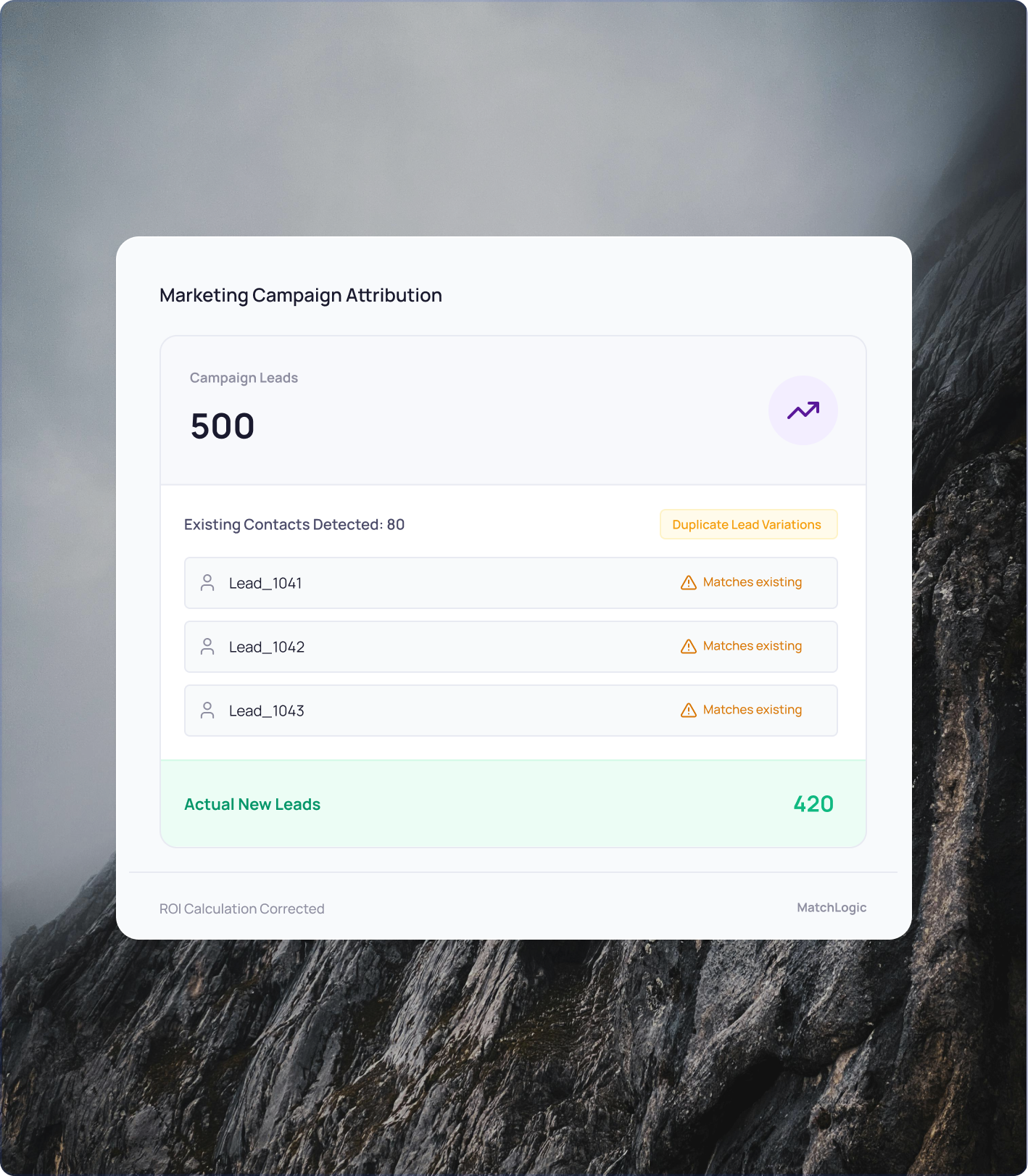
Every duplicate lead inflates your pipeline. Every duplicate contact triggers redundant outreach. Every duplicate account creates territory conflicts. The problem compounds every day new records enter the system. MatchLogic matches across name variations, email patterns, company aliases, and phone numbers to find the duplicates your CRM cannot catch on its own.
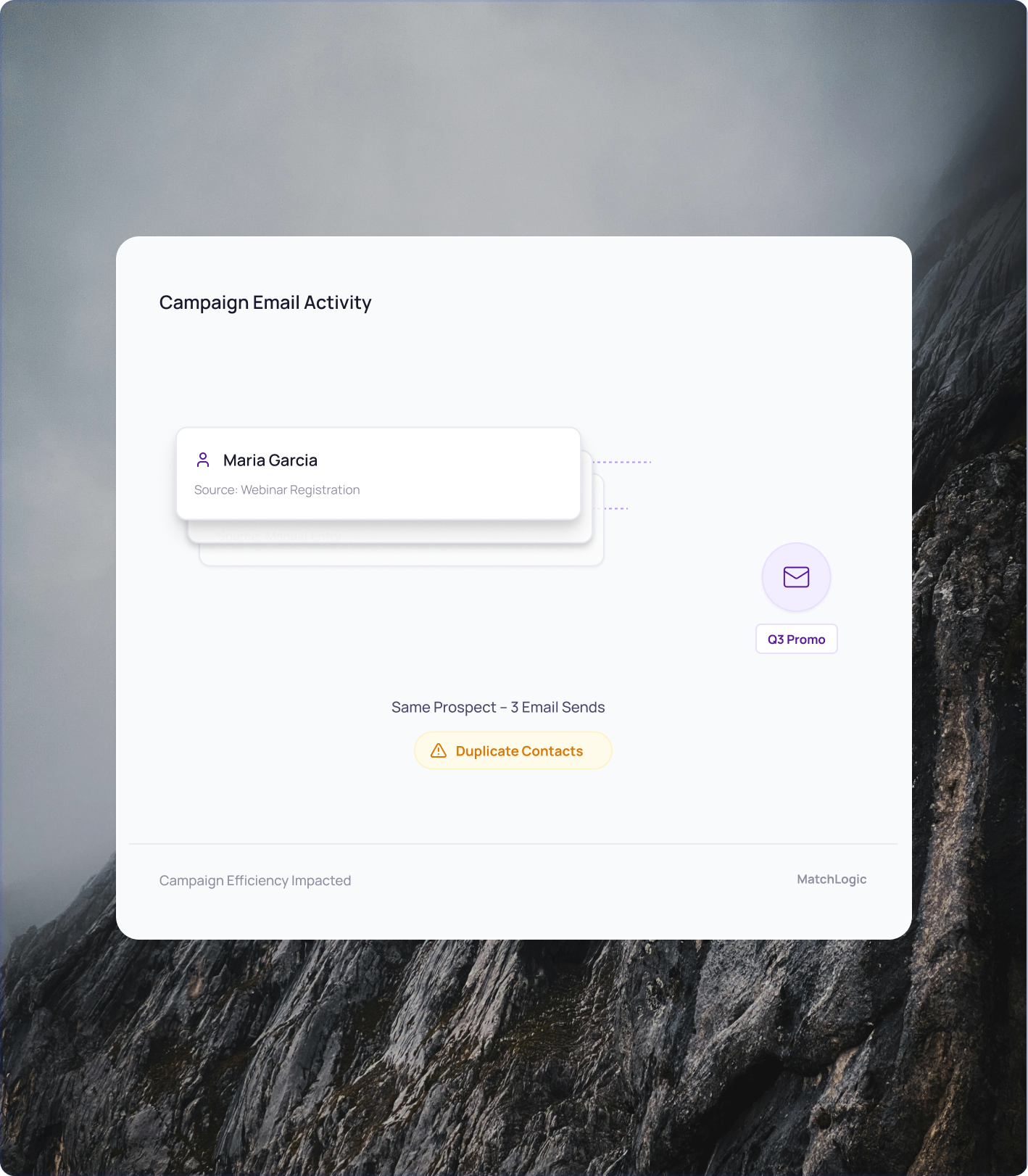
The same prospect receives the same nurture email three times because they exist as three separate leads: one from a webinar registration, one from a form fill, and one manually entered by a rep. Each version has a slightly different name or email format. The prospect gets annoyed. Your open rates drop. Your sender reputation takes a hit. Every duplicate contact in your marketing automation platform is a wasted send that dilutes the performance of campaigns that would otherwise convert.
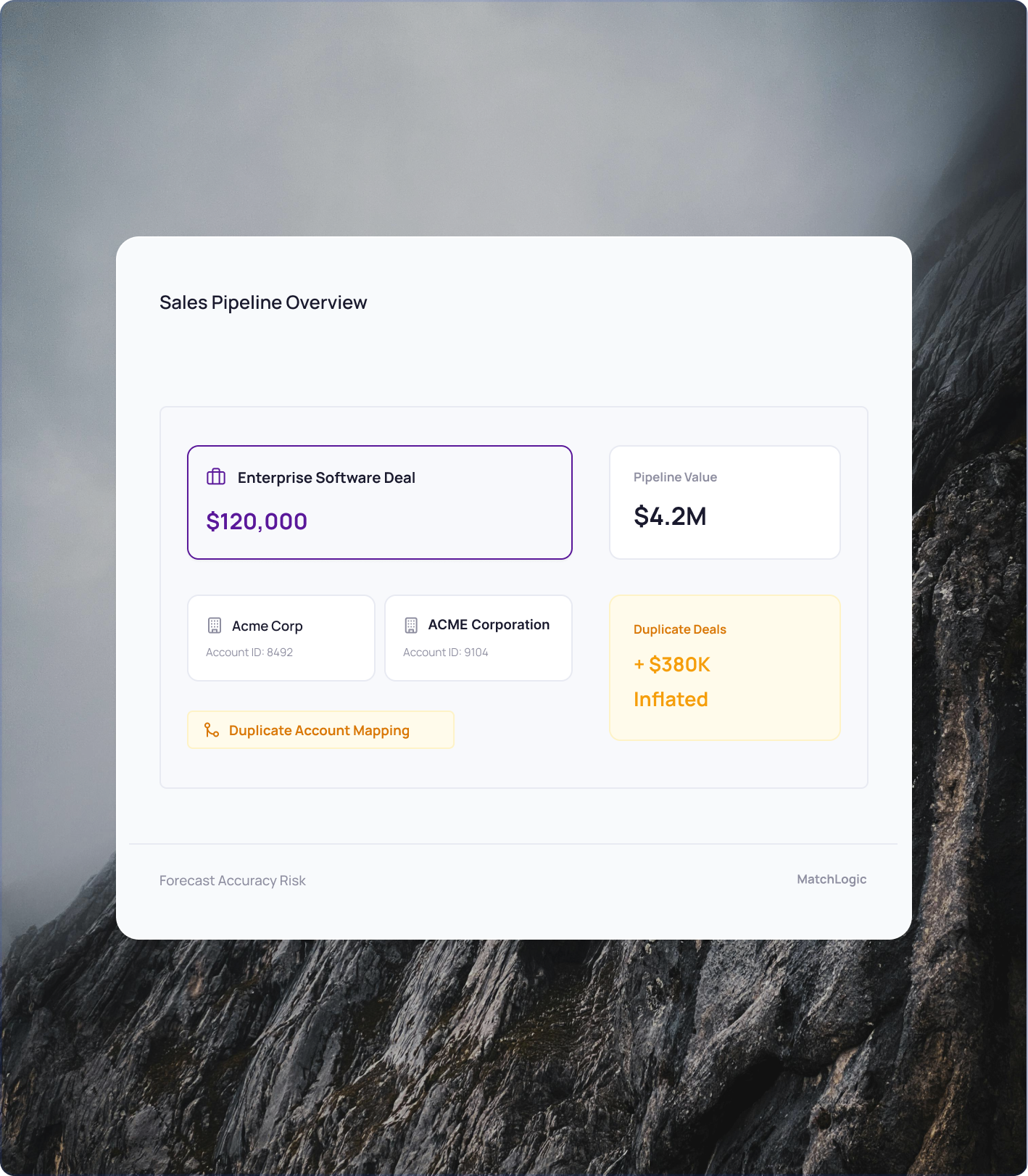
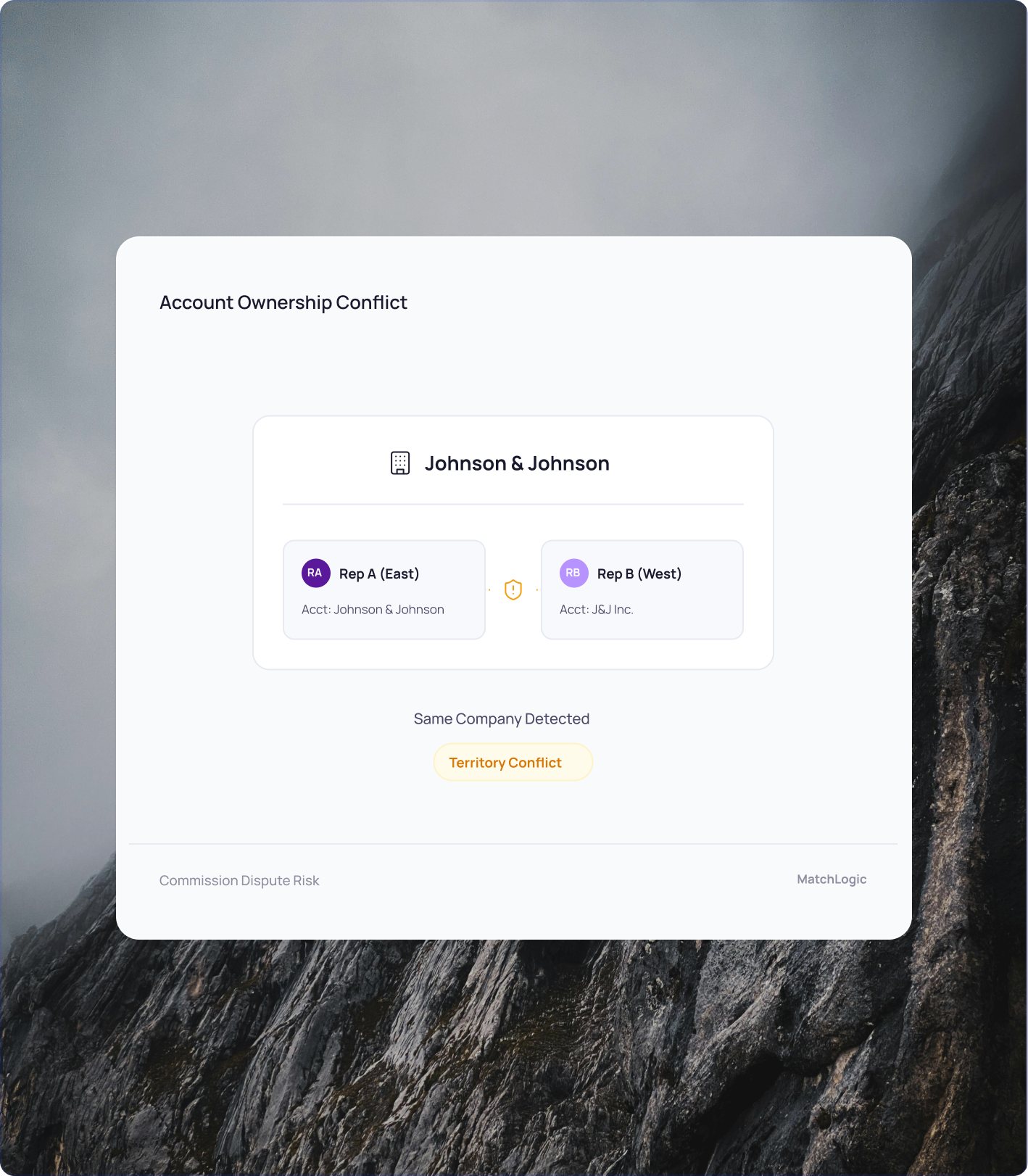
Two reps call the same account because it exists under two different company names. Territory assignments overlap when the CRM can't tell that 'Johnson & Johnson' and 'J&J Inc.' are the same buyer. Pipeline reports show phantom opportunities because a single deal is logged against duplicate contact records. Revenue forecasting suffers when the data underneath it has no integrity.
When a patient has two active records, a lab order placed under one MRN does not appear under the other. The ordering physician does not see that the test was already done, so they order it again. The patient gets an unnecessary blood draw, an unnecessary imaging study, or an unnecessary procedure. The organization absorbs the cost. The patient absorbs the inconvenience and the clinical risk of repeated exposure. MatchLogic prevents this by resolving the duplicate records before orders are placed.
Regulations like GDPR and CCPA require organizations to honor data subject requests across every system. If a customer exists as three separate records, a deletion request might only remove one. Incomplete compliance exposes the organization to fines and audit findings. Duplicate records are a direct liability when regulators come looking.
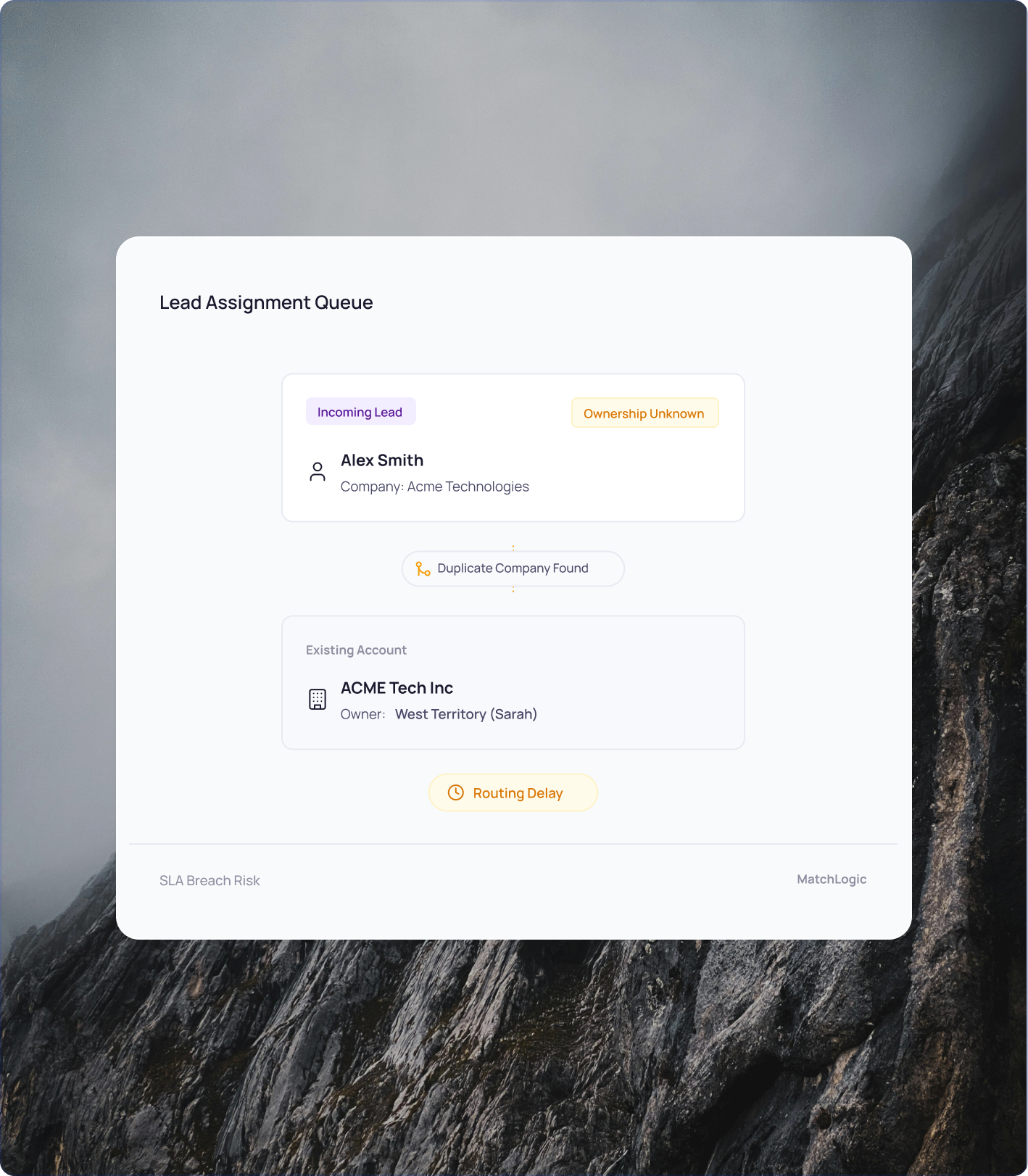
The new ERP connects to downstream systems through APIs and data feeds. Those integrations assume clean, deduplicated master data. When a customer record exists three times in the new system, downstream processes break in unpredictable ways: order management routes to the wrong account, billing sends invoices to outdated addresses, support tickets open against phantom customer profiles. Every integration point becomes a potential failure point when the underlying data has duplicates.
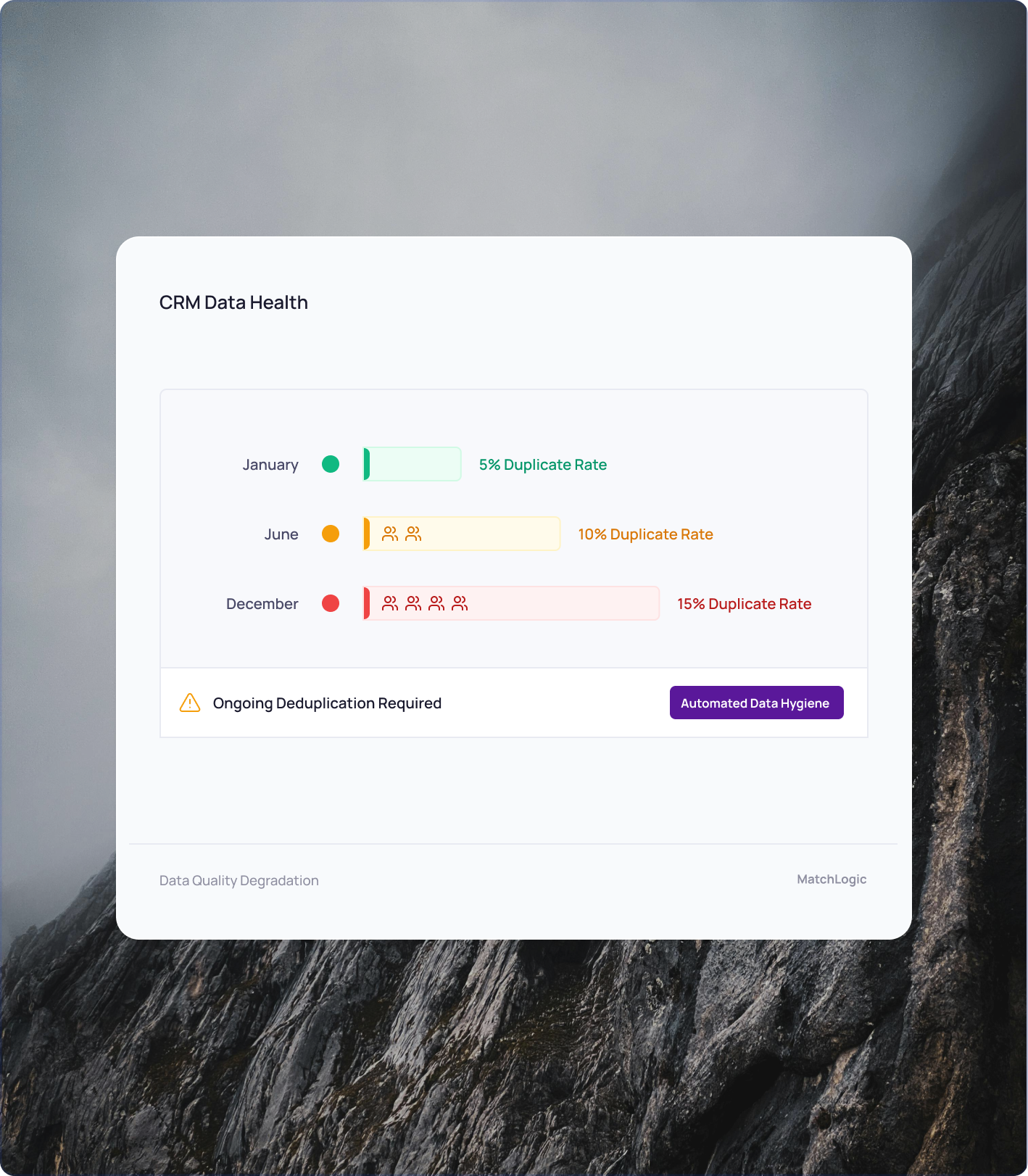
Quality measures, cancer registries, immunization reporting, and population health analytics all depend on accurate patient counts. If the same patient appears twice, they get counted twice. Readmission rates look different. Vaccination coverage percentages shift. Quality scores that determine reimbursement rates are calculated on inaccurate denominators. MatchLogic deduplicates patient records before data is submitted to registries and reporting systems, so the numbers reflect the actual patient population.

Salesforce, HubSpot, and Dynamics all include basic deduplication. They catch exact matches and near-exact matches on a single field. But they miss the duplicates that actually cause problems: 'Robert Smith' and 'Bob Smith' at the same company. 'jsmith@acme.com' and 'john.smith@acmecorp.com'. 'Johnson & Johnson' and 'J&J Inc.'
MatchLogic uses fuzzy matching algorithms refined over 19 years to catch phonetic similarities, nickname variations, company abbreviations, transposed characters, and email pattern differences. You export your CRM data, load it into MatchLogic, configure your match rules (or use the pre-built ones), and see every duplicate with a confidence score and a full breakdown of why the records matched.
You decide which matches to merge and which to review. You set the threshold. You control the process.

MatchLogic compares multiple fields at once: first name, last name, email address, company name, phone number, and any custom field in your export. A weak match on name combined with a strong match on email and company produces a high-confidence result. Single-field matching tools miss these multi-signal duplicates.

New leads enter your CRM daily. MatchLogic supports recurring matching runs so you can deduplicate on a weekly or monthly cadence. Set your rules once, then rerun as new data arrives. The API option lets you embed matching directly into your lead intake workflow for real-time dedup.

Sales ops and marketing ops teams configure match rules through a visual interface. Choose which fields to compare, set confidence thresholds, preview results, and adjust. You do not need an engineer or a data consultant to deduplicate your CRM. The people closest to the data run the process.

When MatchLogic links two leads, it shows you exactly which fields contributed and how much each one scored. 'Name: 91%. Email domain: 100%. Company: 87%.' If a match looks wrong, you adjust the threshold and rerun. No guessing, no black boxes, no asking IT to investigate.
Export your Salesforce, HubSpot, or Dynamics contacts. Load them into MatchLogic. See every duplicate with confidence scores in under 10 minutes. We will walk you through it live.
Start Free Trial
CRM built-in dedup tools catch exact andnear-exact matches on a single field (usually email or name). MatchLogic usesfuzzy matching across multiple fields simultaneously. It catches nicknamevariations (Bob vs. Robert), company abbreviations (J&J vs. Johnson &Johnson), transposed characters, phonetic similarities, and email patterndifferences. In head-to-head comparisons, MatchLogic typically finds 10% ormore additional duplicates that native CRM tools miss.
No. The fastestway to start is to export your leads, contacts, and accounts as a CSV file fromyour CRM, load them into MatchLogic, run the match, and review the results. Thewhole process takes minutes. If you want automated, recurring deduplication, theserver and API deployment options let you embed matching into your dataworkflows.
Yes. You can load leads, contacts, and accountsinto the same project or separate projects. MatchLogic matches across allrecords regardless of their CRM object type, linking a lead to an existingcontact or identifying that two accounts are the same company under differentnames.
MatchLogicidentifies the duplicates and assigns confidence scores. You review theresults, decide which records to merge, and apply the changes in your CRM. ForSalesforce users, this means using Salesforce's native merge functionality withMatchLogic's output as the guide. The API deployment option can automate themerge step for teams that need hands-free processing.
Yes. New leadsenter your CRM every day from forms, imports, enrichment tools, and manualentry. MatchLogic supports recurring runs: set your matching rules once, thenrerun weekly or monthly as new data accumulates. The server and API optionssupport automated scheduling.
MatchLogic startsat $13,000 per year for a desktop license. This handles one-time and periodicdedup projects. Server deployments start at $45,000 per year for team accessand scheduling. API access for real-time dedup in your lead intake pipelinestarts at $85,000 per year. All options are typically 90% less than RingLead,Informatica, or other enterprise dedup tools.

.svg)