
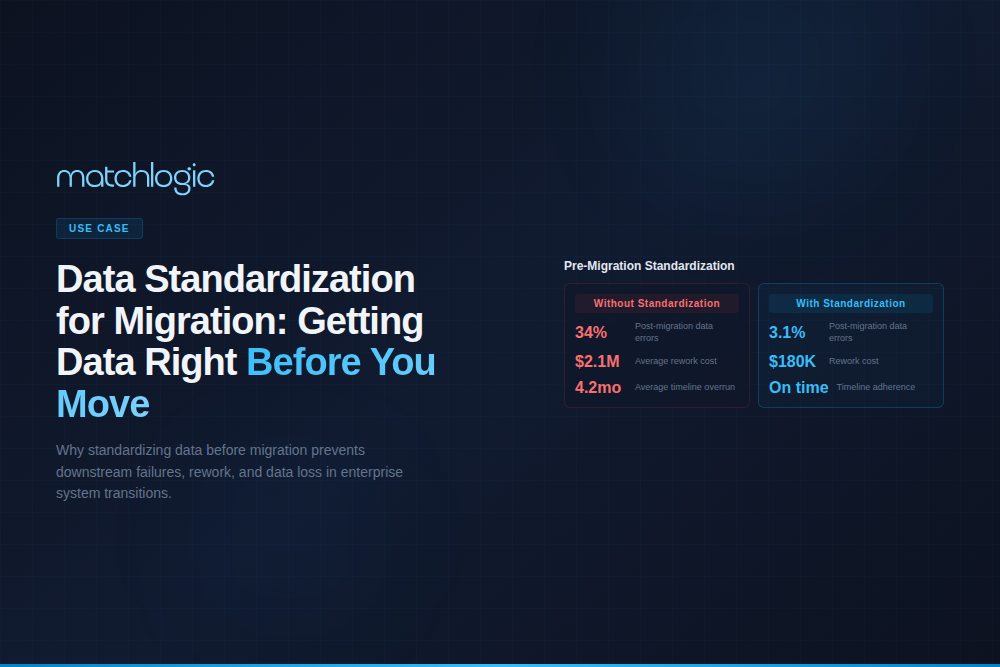
Data Standardization for Data Migration: Getting Data Right Before You Move It
Key Takeaways
- ✓According to Kanerika research, 83% of data migration projects fail, exceed budgets, or disrupt operations, and poor data quality is the leading preventable cause.
- ✓Data standardization before migration reduces post-migration rework by 40% to 60% by resolving format inconsistencies, naming conflicts, and schema mismatches at the source.
- ✓The five critical standardization workstreams before migration are: field format normalization, naming convention alignment, code and reference data mapping, deduplication, and validation against target schema.
- ✓Standardizing after migration costs 3 to 5 times more than standardizing before migration because cleaning data in a live production system introduces risk, downtime, and change management overhead.
- ✓Every major ERP methodology (SAP Activate, Oracle Unified Method) includes data quality as a pre-migration workstream; skipping it is a deviation from the vendor's own implementation guidance.
Data standardization for migration is the process of normalizing data formats, naming conventions, code values, and structural patterns across source systems before transferring records to a target platform. data standardization guide It converts inconsistent field values (date formats, address abbreviations, product codes, name conventions) into the formats the target system expects, eliminating the schema conflicts and data quality failures that cause migration projects to miss deadlines, exceed budgets, and deliver unreliable data.
Location data is a particularly common pre-migration workstream — our dedicated guide on address standardization covers USPS, CASS, and global formats.
According to research published by Kanerika, 83% of data migration projects fail, exceed budgets, or disrupt business operations. The root cause in most cases is not the migration technology itself; it is the quality of the data being migrated. Organizations move millions of records from legacy systems without standardizing formats, resolving duplicates, or validating against the target schema. The result is a new system populated with the same dirty data that plagued the old one, plus new errors introduced by format mismatches during transformation.
Why Does Data Quality Fail During Migration?
Migration projects fail at the data quality level for three structural reasons. First, legacy systems accumulate format drift over years or decades of operation. A system deployed in 2005 may store dates as MM/DD/YYYY while a system deployed in 2015 uses ISO 8601 (YYYY-MM-DD). Phone numbers may include parentheses and dashes in one system and raw digits in another. State codes may be full names in one system and two-letter abbreviations in another. These differences are invisible during normal operations but surface as errors during migration.
Second, multiple source systems use different code values for the same concept. System A uses "Active/Inactive" for customer status while System B uses "1/0" and System C uses "A/I/S" (adding a "Suspended" status that System A does not recognize). Product categories, industry codes, department identifiers, and currency codes all exhibit this pattern. Without a mapping table that converts every source value to the target system's expected format, migration either fails outright or produces records with invalid or missing code values.
Third, duplicate records in source systems multiply during migration. If two source systems each contain a record for the same customer, the target system receives both records, creating a duplicate that did not exist in either source individually. According to Gartner, poor data quality costs organizations an average of $12.9 million per year; migration projects that skip deduplication contribute directly to this cost by introducing new duplicates into production systems.
What Are the Five Critical Pre-Migration Standardization Workstreams?
Step 1: Field Format Normalization
Convert all date, phone, address, currency, and numeric fields to the formats expected by the target system. This is the most straightforward workstream but also the one most frequently underestimated. A single ERP migration typically involves 200 to 500 data fields across 30 to 80 entity types. Each field must be mapped to the target format, and transformation rules must be tested against representative data samples. data standardization tools
Step 2: Naming Convention Alignment
Standardize company names, person names, product names, and location names across source systems. "Johnson & Johnson Inc." and "J&J" and "Johnson and Johnson" must resolve to a single canonical form before migration. Name standardization applies to every entity type, not just contacts. Product names, vendor names, department names, and project names all accumulate variants across systems. This workstream uses the same parsing, normalization, and reference library techniques described in our name standardization and address standardization guides. common data migration pitfalls
Step 3: Code and Reference Data Mapping
Create crosswalk tables that map every code value in every source system to the corresponding value in the target system. This includes status codes, category codes, type codes, region codes, currency codes, and any enumerated field. The crosswalk table is a deliverable that must be reviewed and approved by business stakeholders, not just the migration team. A missing mapping for a single code value can cause thousands of records to fail validation during load.
Step 4: Deduplication
Identify and resolve duplicate records within and across source systems before migration. Running matching algorithms against standardized data (after Steps 1 through 3) produces significantly better results than matching against raw source data. The standardization steps eliminate the formatting noise that causes false negatives in matching. A typical enterprise migration deduplication effort reduces the total record count by 15% to 30%, meaning 15% to 30% of records that would have been migrated as unique are actually duplicates that would have polluted the target system.
Step 5: Target Schema Validation
Load a representative sample of standardized, deduplicated data into the target system's staging environment and validate against the target schema. This step catches transformation errors that rules-based testing misses: field truncation (a 50-character name loaded into a 30-character field), referential integrity violations (a customer record referencing a non-existent region code), and data type mismatches (text loaded into a numeric field). Run this validation at least three times before production cutover, using progressively larger data samples.
How Does Pre-Migration Standardization Compare to Post-Migration Cleanup?
| Dimension | Pre-Migration Standardization | Post-Migration Cleanup |
|---|---|---|
| Cost | 1x (baseline investment) | 3x to 5x (cleanup in production is more expensive and riskier) |
| Risk | Low: changes applied to staging data before go-live | High: changes applied to live production data with active users |
| Timeline Impact | Adds 4 to 8 weeks to planning phase | Adds 3 to 6 months of post-go-live remediation |
| User Impact | None: users see clean data from day one | Significant: users work with dirty data during cleanup period |
| Schema Changes | Can inform target schema design before build | Requires schema modifications to a live system |
| Audit Trail | Complete: every transformation documented before migration | Partial: changes mixed with operational data modifications |
Enterprise Scenario: Pre-Migration Standardization for an SAP S/4HANARollout
A Fortune 500 building materials manufacturer with $8.2 billion in annual revenue planned to consolidate 11 regional ERP instances (a mix of SAP ECC, Oracle E-Business Suite, and JD Edwards) onto a single SAP S/4HANA instance. The combined dataset included 1.8 million material master records, 420,000 vendor records, 680,000 customer records, and 12 years of transactional history.
The project team allocated 10 weeks for pre-migration data quality work. Profiling revealed that 34% of material descriptions used non-standard abbreviations, 22% of vendor addresses failed CASS validation, and the estimated cross-system duplicate rate for customers was 27%. Without standardization, the migration team estimated a 6-month post-go-live cleanup phase and $4.2 million in remediation costs.
After standardization (field format normalization, company name standardization, address CASS processing, material description normalization, and cross-system deduplication), the migration loaded 2.1 million fewer records than the raw source total. Post-migration validation showed a 97.3% field-level accuracy rate against the target schema, compared to the 71% rate measured during a pilot load of unstandardized data. The 10-week standardization investment cost $1.1 million and eliminated an estimated $4.2 million in post-go-live remediation, a 3.8:1 ROI before counting the operational benefits of clean data from day one.
Frequently Asked Questions
How much time should be allocated for pre-migration standardization?
Plan for 4 to 12 weeks depending on the number of source systems and the complexity of the data. Single-source migrations with fewer than 1 million records typically require 4to 6 weeks. Multi-source migrations with 5+ systems and international data require 8 to 12 weeks. This time investment is recovered many times over by avoiding post-migration cleanup.
What is the most common data quality issue discovered during migration profiling?
Inconsistent field formats arethe most common issue, followed by duplicate records and invalid code values. In a survey of 200+ migration projects analyzed by Bloor Research, format inconsistencies affected an average of 35% of records, duplicates affected 18%to 25%, and invalid codes affected 8% to 12%. All three are resolved by pre-migration standardization.
Can data standardization tools automate the migration cleanup process?
Yes, for the majority of standardization tasks. Field format normalization, address standardization(CASS/PAF processing), and name parsing can be fully automated. Code mapping requires business stakeholder input to define crosswalk tables but can be automated once the mappings are defined. Deduplication is semi-automated: the matching engine identifies candidate pairs, but merge/survivorship decision soften require human review for complex records.
Should we standardize data in the source system or in a staging area?
Always in a staging area. Modifying data in production source systems introduces risk to ongoing operations and makes rollback difficult. Extract data to a staging environment, apply standardization and deduplication there, validate against the target schema, and load from staging to the target system. This approach keeps source systems untouched and provides a clean audit trail of every transformation.
How does MatchLogic support pre-migration data quality?
MatchLogic's on-premise deployment model allows organizations to process migration data entirely within their own infrastructure, which is critical for regulated industries. Theplatform combines profiling (identifying format issues and duplicates),standardization (name, address, and code normalization), matching (fuzzy and deterministic), and deduplication (merge/survivorship rules) in a single pipeline. This eliminates the need to export data between multiple tools, reducing both complexity and the risk of transformation errors at handoff points.
What happens if we skip standardization and clean data after migration?
Post-migration cleanup costs 3to 5 times more than pre-migration standardization because changes must be madeto a live production system with active users. Every change requires change management approval, testing in a sandbox environment, and validation against production data. During the cleanup period (typically 3 to 6 months), users work with dirty data, which erodes trust in the new system and can drive workaround behaviors that persist long after the data is cleaned.





.svg)