
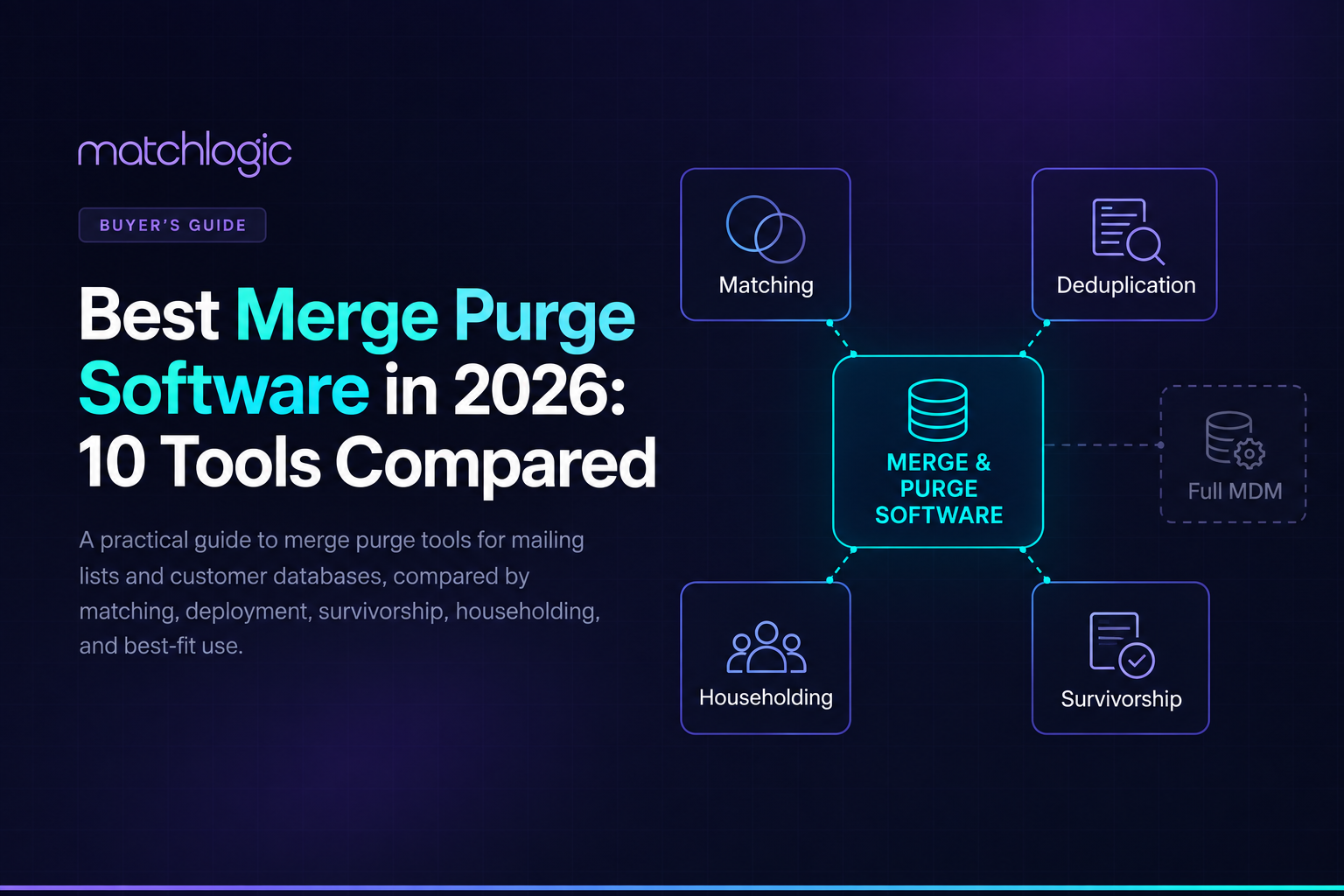
Best Merge Purge Software in 2026: 10 Tools Compared
Merge purge software combines multiple lists or databases, identifies records that refer to the same person, household, company, or other entity, and produces a cleaner output with duplicates and unwanted records removed or merged. The right tool depends first on the job: preparing a postal mailing is different from consolidating customer records across operational systems.
For direct-mail workflows, householding, suppression, address quality, and postal processing matter most. For customer-database consolidation, the harder questions are match accuracy, explainability, survivorship, deployment, repeatability, and governance. This guide compares ten tools across those criteria so you can narrow the field before running a proof of concept.
Disclosure: MatchLogic publishes this guide and is one of the products included. The comparison below uses the same evaluation criteria for every tool, names a limitation for each option, and does not treat the numbering as a best-to-worst performance ranking.
Key takeaways
How we evaluated the tools
This is a documented-capability comparison, not a claim that every product was benchmarked on the same dataset. Product information was reviewed against current vendor documentation available in September 2026. We evaluated each option on six questions:
- Use-case fit: direct mail, customer-database consolidation, enterprise data quality, CRM cleanup, or one-off analysis.
- Matching approach: exact, fuzzy, phonetic, probabilistic, AI-assisted, or configurable combinations.
- Merge and survivorship: whether the tool can control which records or field values survive consolidation.
- Mail-specific functions: householding, suppression, postal verification, and related list-preparation features where relevant.
- Deployment and governance: where processing runs, whether results are explainable, and how repeatable or auditable the workflow is.
- Operational fit: whether the product is suited to recurring production work, enterprise programs, or occasional cleanup.
Because vendors package and license capabilities differently, confirm the exact edition, deployment model, and feature availability during your proof of concept.
The 10 best merge purge software tools to evaluate in 2026
Shortlist by use case
What merge purge software actually does
A merge purge starts by bringing multiple source lists or datasets into a common workflow. The tool then standardizes values where necessary and compares records using exact, fuzzy, phonetic, probabilistic, or other matching logic. Records judged to represent the same entity are grouped for review or consolidation.
The purge step depends on the use case. A mailing workflow may remove duplicate households, suppression-list matches, invalid addresses, or records that should not receive a piece. A customer-database workflow may merge duplicate records and apply field-level survivorship rules so the final record keeps the strongest available values from its sources.
That distinction matters because a product can be excellent at postal list preparation without being the best choice for customer-master consolidation, and vice versa.
What to look for in merge purge software
1. Direct mail or database consolidation. Decide this first. If you mail physical pieces, householding, suppression, and address processing can be decisive. If you are consolidating customer or supplier data, prioritize match quality, survivorship, explainability, and integration.
2. Match accuracy and tuning. Ask how the tool handles misspellings, abbreviations, phonetic variants, missing values, and records that look similar but represent different people. You should be able to tune thresholds or rules and inspect why a pair matched.
3. Survivorship control. Finding duplicates is only half the job. Confirm how the tool decides which email, address, phone number, date, identifier, or source value survives into the consolidated record.
4. Householding and suppression. For mailing use cases, verify household-level logic and support for suppression files. Do not assume a general deduplication tool provides postal-grade list preparation.
5. Deployment and data handling. Map the software to your organization's actual security and residency requirements. Cloud services can be compliant in many regulated environments, but some organizations still require on-premises, private-cloud, or air-gapped processing because of internal policy, contractual restrictions, data classification, or risk controls.
6. Repeatability and auditability. A one-time cleanup can tolerate more manual review. A recurring production process needs saved configurations, automation, logs, review controls, and a way to reproduce or explain what happened.
7. Proof-of-concept quality. Do not judge a tool on a vendor demo dataset. Use your own difficult records and label enough examples to calculate false positives and false negatives.
1. BCC Software Enhanced Merge/Purge
BCC Software's Enhanced Merge/Purge is an option for BCC Mail Manager built around mailing-list consolidation. Its documented capabilities include combining lists, suppression, householding, user-defined merge schemes, and automation when used with TaskMaster.
This makes it a strong fit when the output needs to be a cleaner postal mailing file rather than a consolidated customer master for downstream analytics or operations.
Pros
- Purpose-built for postal merge/purge and householding.
- Supports suppression workflows and user-defined merge schemes.
- Fits recurring mail-production operations inside the wider BCC Mail Manager environment.
Cons
- The feature set is tightly aligned to mailing operations.
- Not intended to replace a broader customer-data or entity-resolution platform.
- Organizations outside the BCC mailing ecosystem may need more general-purpose tooling.
Best for: mail service providers and in-house mailing teams that need repeatable postal merge/purge.
2. Melissa MatchUp
Melissa MatchUp combines contact-data parsing with more than 20 fuzzy matching algorithms and supports merge/purge scenarios including householding and golden-record survivorship. Melissa also offers address verification and broader data-quality capabilities, which can be useful when matching depends heavily on names, addresses, phones, and other contact data.
Unlike a verification-only tool, MatchUp is a dedicated matching and deduplication capability. The main buying question is which Melissa product or deployment option best matches your workflow.
Pros
- Deep contact and address-data expertise with broad fuzzy matching support.
- Householding and survivorship capabilities for merge/purge workflows.
- Can combine matching with address/contact verification in the wider Melissa platform.
Cons
- Melissa has multiple products and delivery options, so buyers should confirm which edition provides the needed survivorship, postal, API, or desktop capabilities.
- Its strengths are concentrated in contact and identity data rather than every possible entity domain.
- A proof of concept is still needed to compare false-positive and false-negative performance on your data.
Best for: teams that want contact/address quality and sophisticated deduplication in the same vendor ecosystem.
3. Precisely Merge/Purge Plus
Precisely continues to support Merge/Purge Plus, including consumer and business merge/purge workflows associated with the long-running Group 1 product family. It is most relevant to organizations that already operate Precisely or legacy Group 1 infrastructure and need established merge/purge processing in that environment.
For a new evaluation, confirm the supported platform, licensing model, current product roadmap, and fit with the rest of your data stack before comparing it with newer UI-first or API-first products.
Pros
- Established merge/purge tooling with current Precisely support resources.
- Relevant to organizations with existing Precisely or Group 1 workflows.
- Designed for structured consumer and business merge/purge processing.
Cons
- Less straightforward as a greenfield choice for buyers seeking a modern standalone application.
- Platform and deployment fit should be validated carefully during evaluation.
- Not the clearest starting point for a small team looking for simple CRM or CSV cleanup.
Best for: organizations already invested in Precisely or Group 1 merge/purge environments.
4. Data Ladder DataMatch Enterprise
DataMatch Enterprise is a configurable data-quality and matching platform for profiling, cleansing, matching, deduplication, and merge workflows. It supports fuzzy, phonetic, numeric, and domain-specific matching with adjustable thresholds and weights, and recent 2026 updates added a REST API, containerized deployment, and a rebuilt matching engine.
That combination makes DataMatch a good fit when a team wants fine control over matching logic and needs to operationalize the same rules through desktop, batch, or API-driven workflows.
Pros
- Configurable matching with tunable algorithms, weights, and thresholds.
- Profiling, cleansing, matching, and merge/survivorship capabilities in one workflow.
- REST/API and container options broaden its use beyond a desktop-only process.
Cons
- Strong configurability means teams still need to design and tune rules carefully.
- The product is broader than a lightweight contact-list deduplication utility.
- Buyers should validate how the chosen deployment model fits their production architecture.
Best for: data teams that want configurable customer-data matching and reusable production workflows.
5. MatchLogic
MatchLogic is an on-premises data matching, deduplication, and entity resolution platform that combines configurable fuzzy matching with offline AI assistance. It can recommend cleansing rules and match definitions from the customer’s own data, while keeping the final matching logic, thresholds, and merge decisions inspectable and under user control. It also supports survivorship and golden-record creation, conversational analysis of match results, and MCP-driven workflows without exposing underlying records to an external LLM.
Pros
- Offline AI recommends cleansing and matching rules without sending data to the cloud.
- Transparent rules, thresholds, and scores keep merge decisions explainable.
- Supports fuzzy matching, deduplication, entity resolution, survivorship, and golden-record creation.
- Pre-trained entity resolution requires no customer model training.
- Supports on-premises and air-gapped environments.
- MCP support enables automated workflows without giving external LLMs access to the data.
Cons
- Not a postal tool, so it does not replace CASS, NCOA, or presort software.
- Not a full MDM, ETL, or data-catalog platform.
Best for: Teams that need auditable, on-premises record consolidation with strong matching control, entity resolution, and offline AI assistance.
6. WinPure Clean & Match Enterprise v11
WinPure Clean & Match Enterprise v11 combines configurable matching with AI-assisted data quality and entity-resolution features. Current 2026 releases include Clean AI, Match AI, SmartMaster AI, Golden Record Identity, match explanations, automation, and expanded audit/reporting capabilities.
It is a stronger entity-resolution platform than older descriptions of WinPure as a simple fuzzy-matching utility suggest, and it should be evaluated on its current v11 capabilities rather than legacy versions.
Pros
- Combines configurable matching, AI-assisted matching, cleansing, and golden-record selection.
- Current releases emphasize explainability, auditability, and repeatable automation.
- Suitable for teams that want a visual data-quality workflow without building matching logic from scratch.
Cons
- Focused on data quality and entity resolution rather than full postal-list preparation.
- AI-assisted features still need validation against your own false-positive and false-negative requirements.
- Organizations should confirm infrastructure and deployment requirements for the exact edition they plan to use.
Best for: teams that want a visual, AI-assisted workflow for cleansing, matching, and golden-record creation.
7. Informatica Data Quality
Informatica supports duplicate analysis, matching, deduplication, and consolidation as part of a much broader enterprise data-quality and master-data ecosystem. Its documentation describes configurable similarity thresholds, weighted field matching, deduplication assets, survivor records, and manual-review patterns for ambiguous matches.
That breadth is useful when merge/purge is one part of a larger enterprise data-quality program, but it can be more platform than a team needs for a focused list-cleanup problem.
Pros
- Enterprise-scale data-quality capabilities beyond deduplication alone.
- Configurable matching, deduplication, consolidation, and review workflows.
- Fits organizations already standardizing on Informatica for data integration and quality.
Cons
- Broader platform scope usually means more implementation and governance overhead.
- Not a lightweight standalone merge/purge utility.
- Licensing and architecture need to be evaluated in the context of the wider Informatica stack.
Best for: large organizations where matching is part of a wider enterprise data-quality program.
8. Oracle Enterprise Data Quality
Oracle Enterprise Data Quality supports real-time and batch matching, duplicate identification, thresholds, and match configurations inside Oracle customer-data workflows. Oracle also documents deduplication and survivorship capabilities in its enterprise data-management products.
The practical advantage is ecosystem fit: organizations already operating Oracle data and customer-management platforms can keep duplicate identification and merge logic close to the systems where the records live.
Pros
- Configurable thresholds and matching for real-time and batch duplicate identification.
- Integrates naturally with Oracle customer-data and enterprise-data workflows.
- Oracle documentation supports survivorship and deduplication patterns in relevant products.
Cons
- Product and feature names vary across Oracle cloud and middleware offerings, so buyers must confirm the exact component being evaluated.
- Most compelling when Oracle is already a strategic platform.
- Can be excessive for a focused, standalone merge/purge job.
Best for: Oracle-centric organizations that want matching and deduplication inside the existing stack.
9. Dedupely
\Dedupely is a cloud service for finding and merging duplicates in connected CRMs and CSV files. Users define match options, review duplicate groups, and set field-level merge rules to control which values are kept. It also supports bulk and scheduled cleanup workflows.
That makes it attractive for sales, marketing, and operations teams whose duplicate problem lives in CRM/contact data rather than in a broader enterprise entity-resolution or postal-processing environment.
Pros
- Fast setup for CRM and CSV duplicate cleanup.
- User-defined exact or similar matching plus field-level merge rules.
- Bulk and scheduled workflows are practical for recurring CRM hygiene.
Cons
- Cloud service, which may not suit organizations with strict local-processing requirements.
- Not a full enterprise entity-resolution or MDM platform.
- Not designed for postal householding, suppression, or presort workflows.
Best for: teams cleaning duplicate contacts, companies, or CSV data around CRM workflows.
10. OpenRefine
OpenRefine is a free, open-source tool for interactively cleaning messy data. Its clustering interface includes key-collision methods such as fingerprint and n-gram fingerprint plus nearest-neighbor methods such as Levenshtein and PPM. Analysts can review clusters and choose a common value before applying changes.
It is useful for exploration and one-off cleanup, but it is not a complete governed merge/purge platform with automated survivorship, postal suppression, production scheduling, or enterprise audit controls.
Pros
- Free and open source.
- Strong interactive clustering for discovering inconsistent values.
- Useful for exploratory cleanup before migration or analysis.
Cons
- Manual, analyst-driven workflow rather than recurring production merge/purge.
- No built-in postal suppression or full survivorship workflow.
- Limited governance and automation compared with commercial platforms.
Best for: analysts who need a free tool for one-time interactive cleanup and clustering.
Before you buy: run these five checks
- Run a real merge on your own difficult data. Include misspellings, abbreviations, stale contact details, missing fields, shared addresses, and records that look similar but must remain separate.
- Build a labeled validation set. Mark a sample of true matches and true non-matches so you can compare precision and recall instead of relying on a single vendor-reported deduplication rate.
- Inspect survivorship output. Review the final merged record field by field and confirm that the best source values are actually retained.
- Test the operational workflow. Re-run the same job, change thresholds, review logs, and confirm that another analyst can understand what happened without reconstructing the process from memory.
- Price the real operating model. Compare software fees, record volume, infrastructure, implementation effort, review time, and ongoing processing cadence rather than only the entry price.
A simple proof-of-concept scorecard
Use the same small scorecard for every shortlisted product. Weight the criteria based on your use case rather than accepting a vendor's preferred metric.
Where each type of tool is the wrong choice
- Postal merge/purge software is usually the wrong fit for a customer-master consolidation project when most of its value comes from mailing features you will not use.
- Customer-database matching platforms, including MatchLogic, are the wrong choice for a pure postal workflow that requires NCOA, CASS, presort, or other mail-production functions they do not provide.
- Cloud-only contact cleanup tools are the wrong fit when your organization's security architecture or contractual requirements prohibit external processing of the relevant records.
- Enterprise data-quality suites can be excessive when the entire problem is a small recurring CRM duplicate-cleanup workflow.
- Open-source interactive tools are a poor substitute for a governed recurring process when you need automation, repeatable survivorship, approvals, or auditability.
How to quantify the value of merge purge
For direct mail, the simplest business case is avoided pieces. If a mailing starts with 500,000 records and householding plus suppression removes 4% of them, that is 20,000 pieces that no longer need to be printed and mailed. Multiply the avoided pieces by your actual print, handling, and postage cost per piece, then compare the result with software and processing costs.
For customer databases, the value is usually operational rather than postage-based. Measure duplicate-driven support work, duplicate outreach, reporting errors, migration effort, manual review hours, and the cost of incorrect merges. Avoid using a generic ROI claim when those inputs can be calculated from your own process.
Choosing the best merge purge software for your data
The best merge purge software is the one that fits the workflow you actually need to run. Start by separating postal list preparation from customer-database consolidation. That decision removes many tools before you compare features.
Then test the remaining options on your own labeled records. Look at wrong merges, missed duplicates, survivorship quality, explainability, deployment fit, and whether the workflow can be repeated without rebuilding it from scratch. A product that produces a slightly higher headline match rate but creates more false merges can be the worse choice.
If your data must remain inside a controlled environment, make that an architectural requirement in the proof of concept rather than assuming a regulation automatically dictates one deployment model. If your use case is direct mail, test householding and suppression just as rigorously as matching. The evaluation should mirror the real job, not the feature list.
Frequently asked questions
How accurate should merge purge software be?
There is no universal accuracy percentage that applies to every dataset. Measure precision and recall against labeled examples from your own records. For high-risk workflows, false-positive merges may matter more than finding every possible duplicate.
How do you test merge purge software for false merges?
Create a validation set containing known duplicates and deliberately similar non-duplicates. Run the same set through each tool, then review which pairs were merged incorrectly and which true duplicates were missed. Keep the thresholds and review rules documented so results are comparable.
What is the difference between person, household, and address matching?
Person matching tries to identify the same individual across records. Household matching groups people who belong to the same household, often for mailing efficiency. Address matching identifies records that share or resolve to the same location. A direct-mail workflow may use all three, while a customer database may need to keep household members separate.
How much data should you use in a proof of concept?
Use enough data to represent the cases that make your matching difficult rather than choosing a fixed record count. Include clean records, messy records, true duplicates, hard non-duplicates, missing fields, name variations, and the source systems you expect to use in production.
Can merge purge software run on-premises?
Yes. Several products support local, on-premises, private-cloud, or other controlled deployment models. Whether you need that architecture depends on your security policy, contractual obligations, data-residency requirements, risk controls, and technical environment. Regulations such as HIPAA or GDPR do not automatically require on-premises deployment in every scenario.





.svg)